
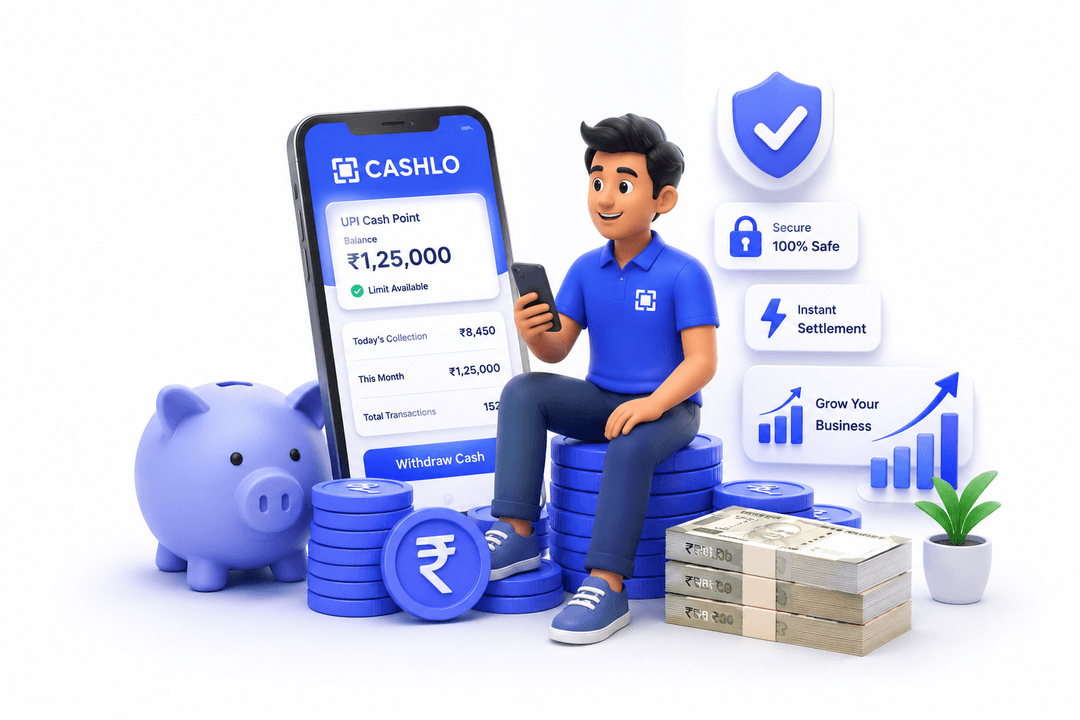
UPI CashPoint
Empowering Merchants to Provide Seamless Cash Withdrawal
Give your customers instant cash using any UPI app — safely, quickly, and with zero cash handling risk.
How It Works
Five Simple Steps
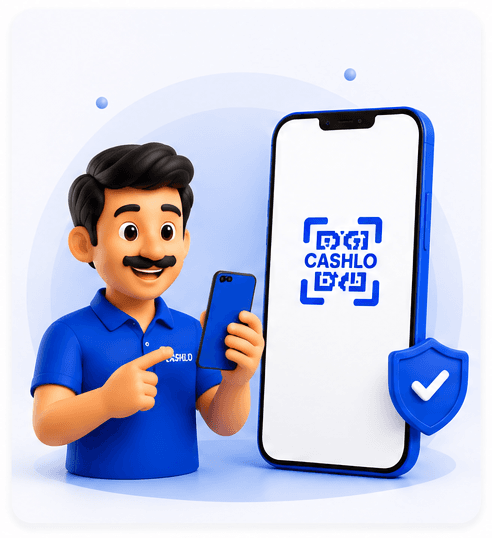
Login to the Cashlo App
Open the Cashlo merchant app and log in with your registered account.
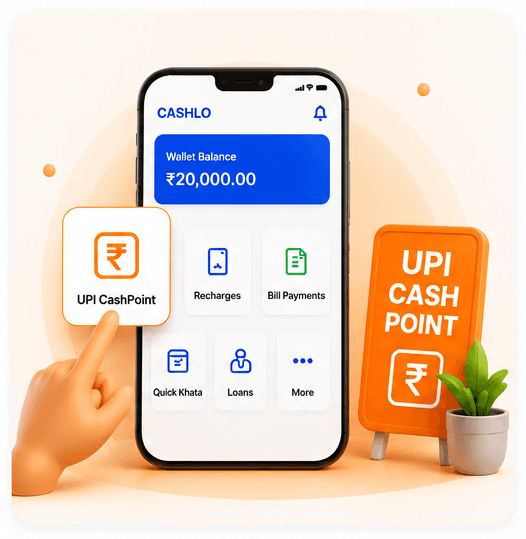
Select UPI CashPoint
Choose the UPI CashPoint / Cashout option from the app menu.
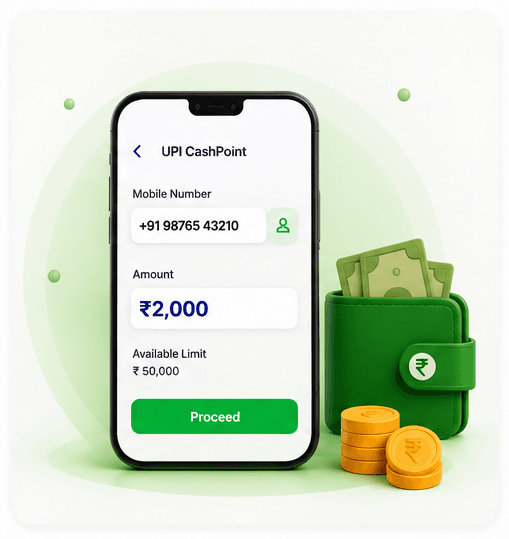
Enter Amount & Mobile Number
Enter the withdrawal amount and the customer's registered mobile number.
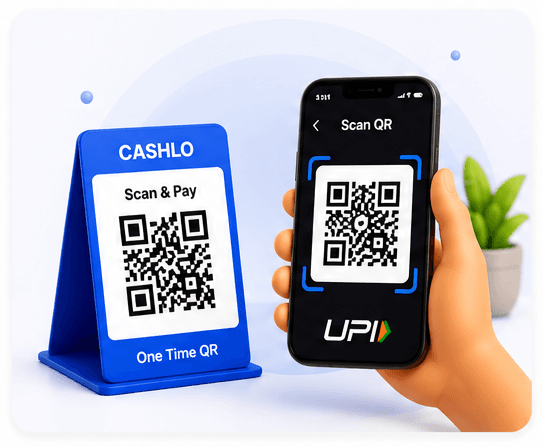
Customer Scans the Dynamic QR
Ask the customer to scan the one-time Dynamic QR using any UPI app.

Hand Over Cash
Once the transaction is successful, give the cash to the customer.
Withdrawal Limits
Clear, Transparent Limits
2 transactions per day with a 30-minute cooling period between transactions. Limits may change based on applicable banking partner policies and regulatory requirements.
Important Rules
Three Rules Every Merchant Must Follow
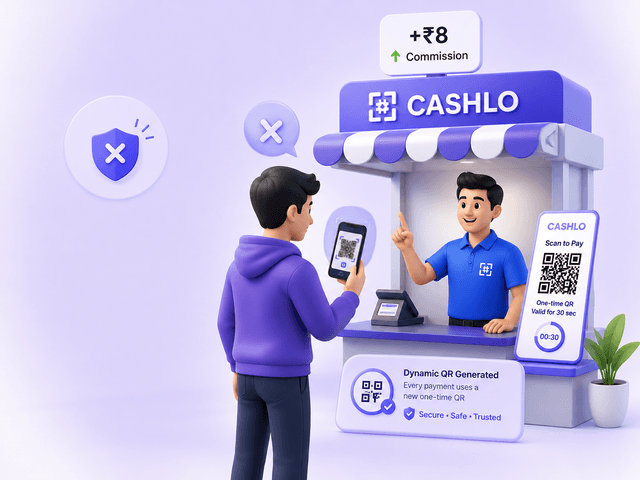
Never Accept QR Screenshots
The Dynamic QR is for one-time use only. Never allow a screenshot or photo of it to be reused.
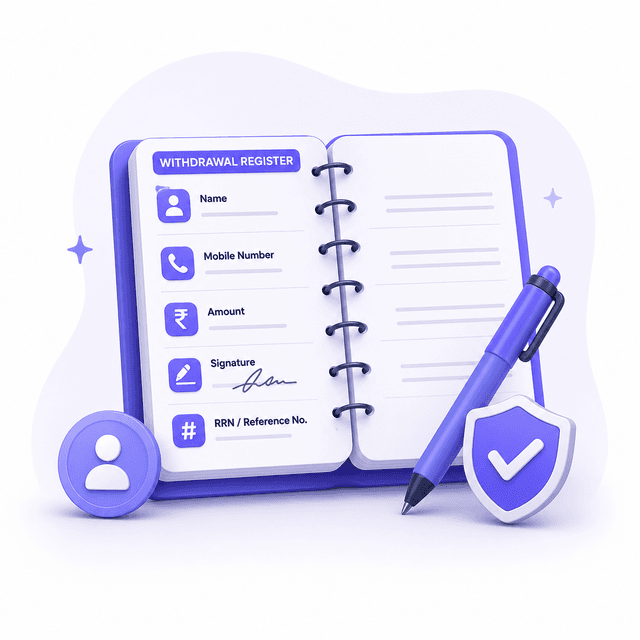
Maintain a Withdrawal Register
Record customer name, mobile number, amount, signature, and transaction reference (RRN) for every withdrawal.

Never Accept QR via WhatsApp
Customers must be physically present. Don't process withdrawals from QR images shared over messaging apps.
Works Everywhere
Supported Apps & Banks
Customers can pay using any major UPI app, backed by a wide network of partner banks across India.












Ready to Join?
Become a Cashlo merchant and start offering UPI CashPoint today.